What needed to be solved
A product owner needs more than CRUD screens: the dashboard must expose workflows, statuses, actions, and operational signals quickly.
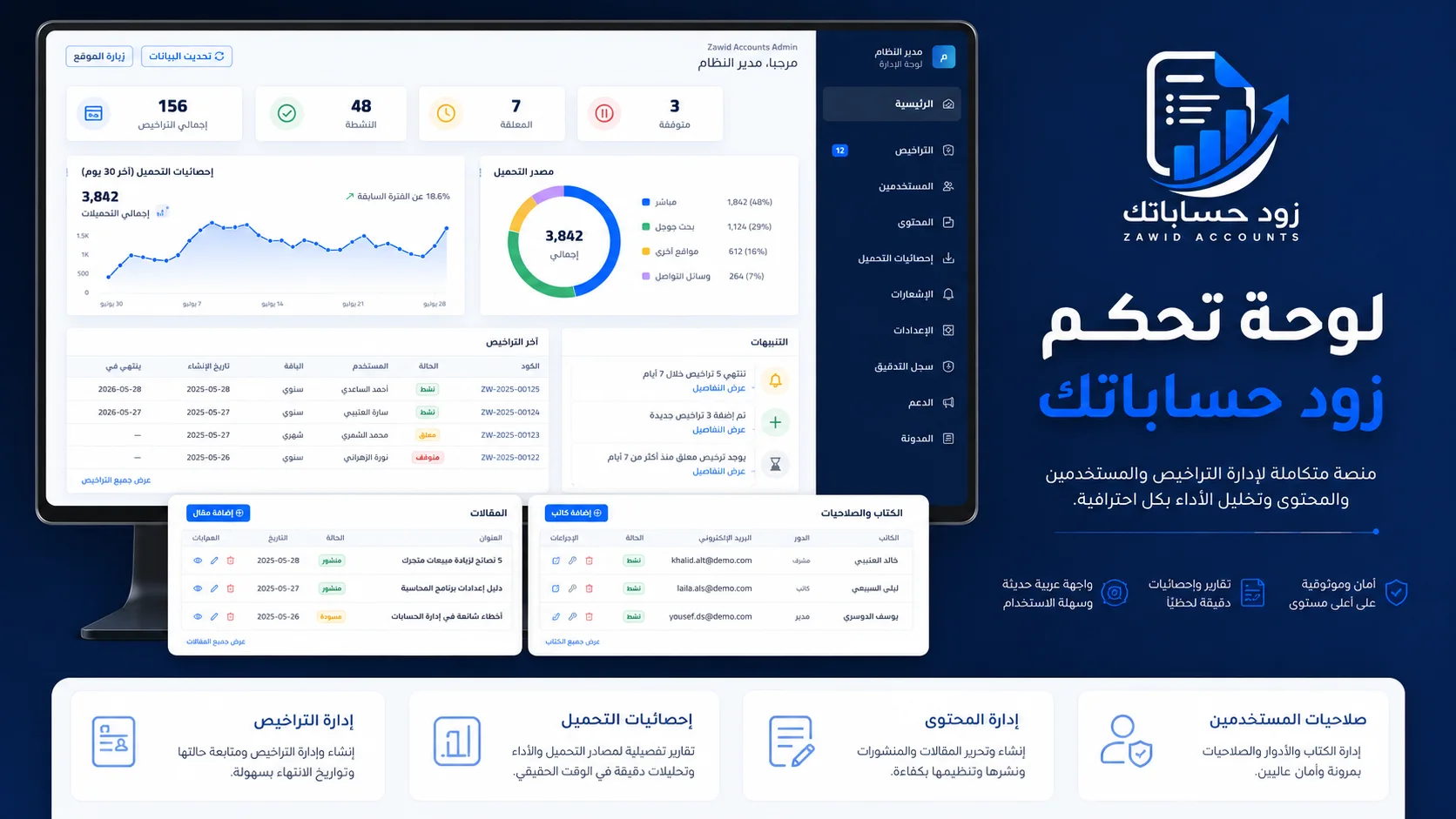
Admin surfaces for managing customers, licenses, payments, app versions, notifications, blog content, and audit activity.
لوحات تحكم تشغيلية لإدارة العملاء والتراخيص والمدفوعات والإشعارات والمحتوى وإصدارات التطبيق.
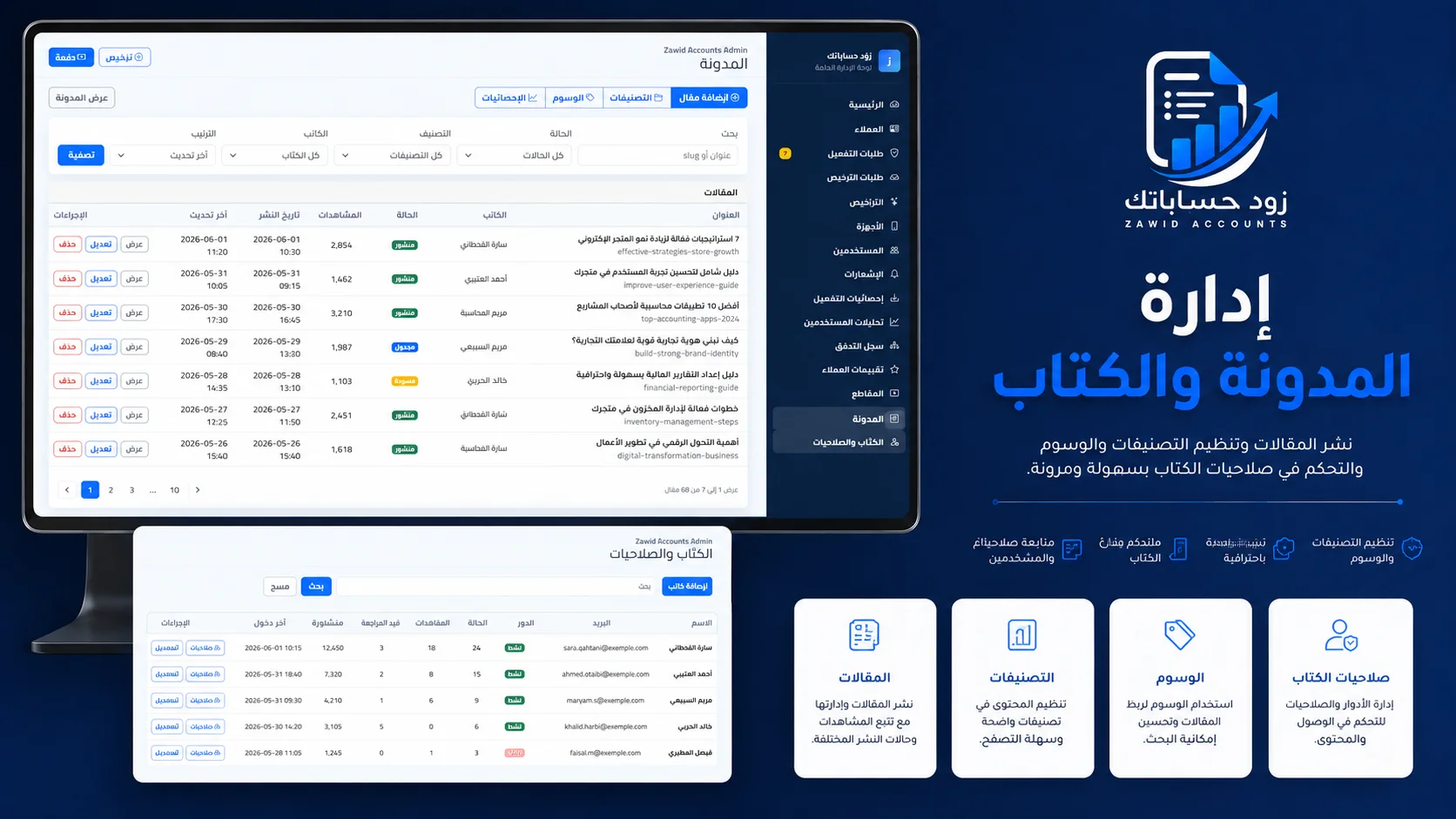
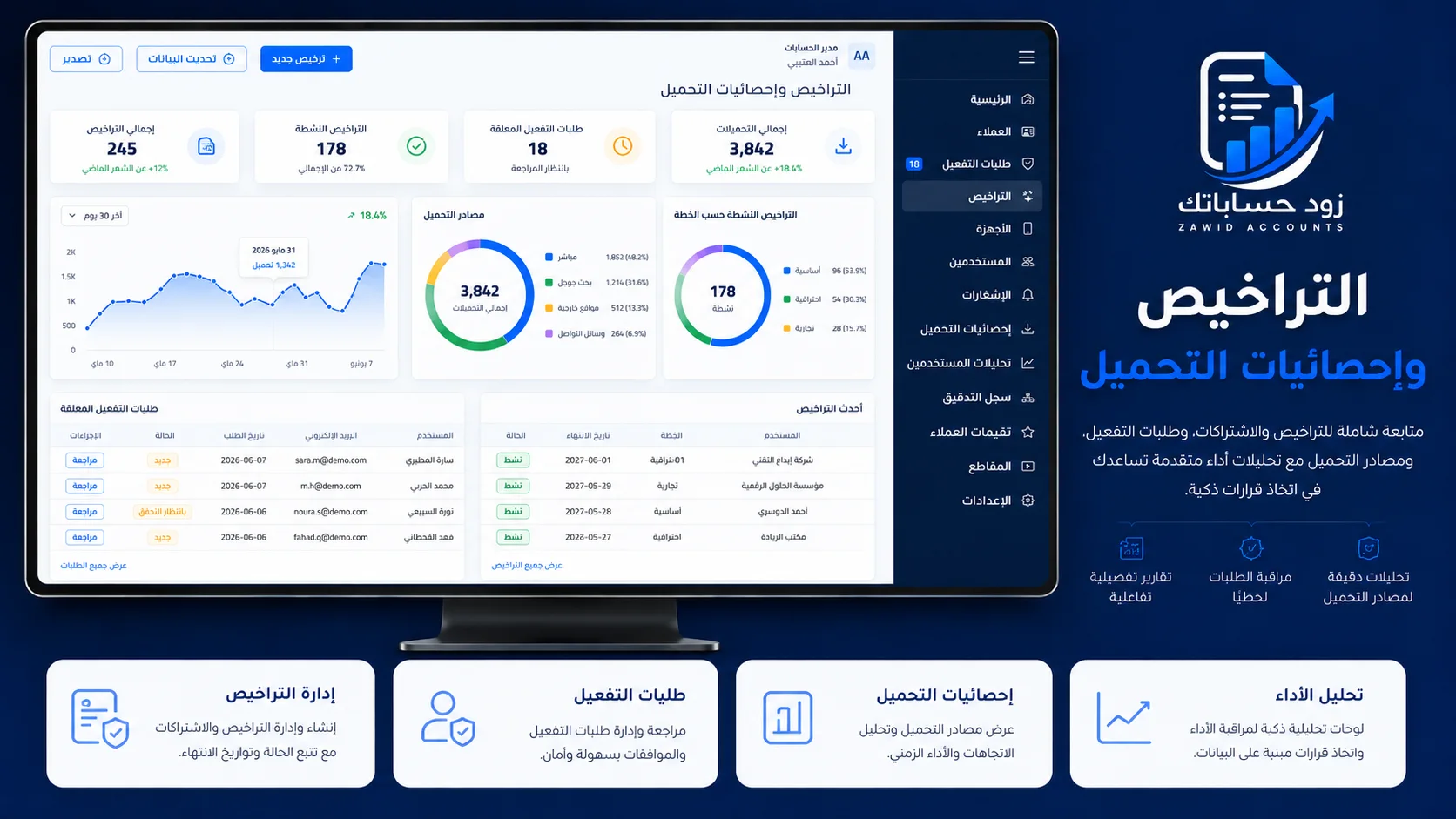
A product owner needs more than CRUD screens: the dashboard must expose workflows, statuses, actions, and operational signals quickly.
I build admin panels around real workflows such as activation approval, license extension, payment review, app-version publishing, notifications, and content management.
The dashboard becomes the control room for the product instead of a disconnected database interface.
A focused set of real screenshots from the local project files and captured local runs, selected to show the app, admin, public site, and operational workflows clearly.
Explore adjacent product surfaces that connect to this type of build.
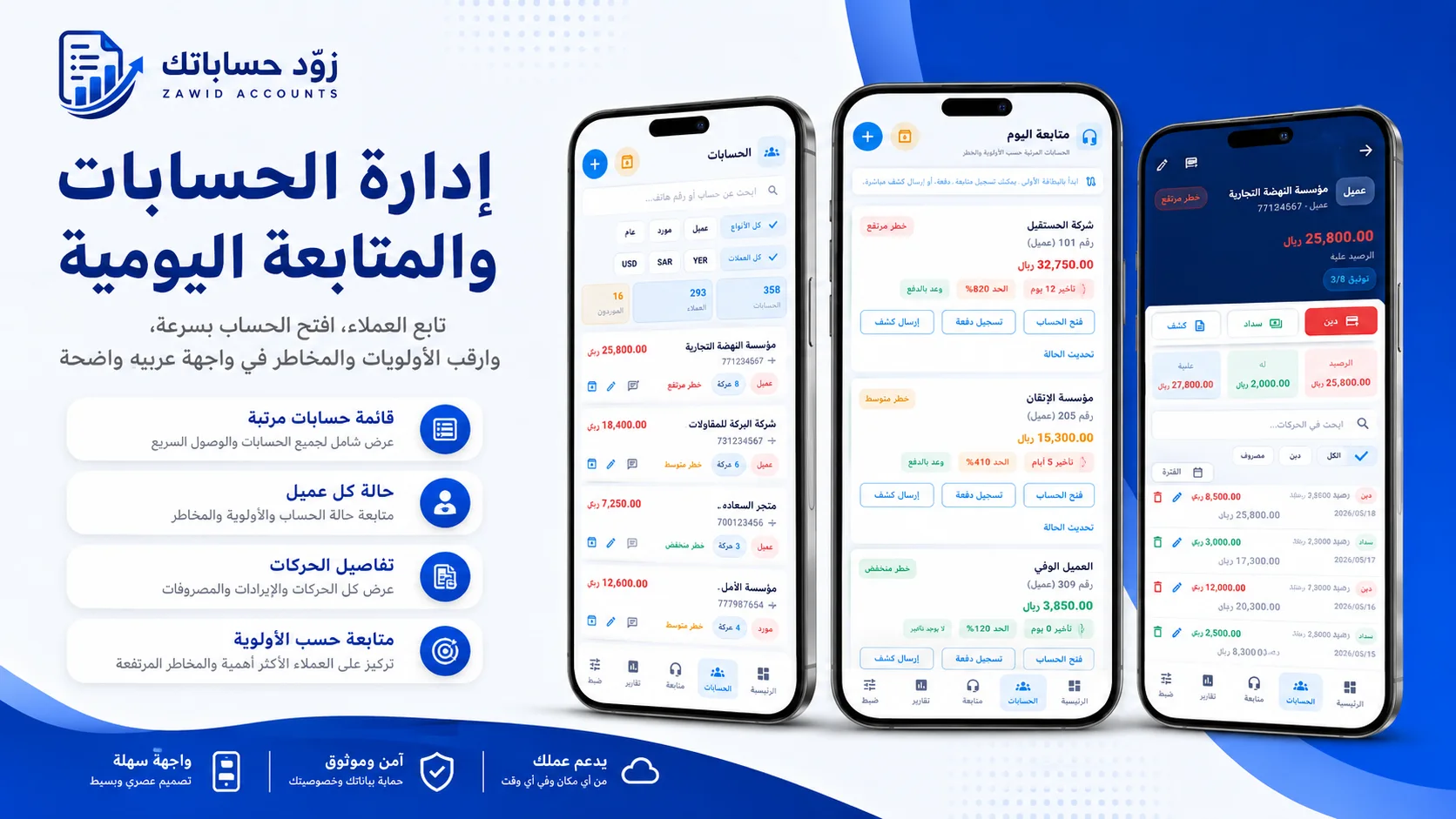
A complete account, debt, reporting, licensing, subscription, analytics, and content ecosystem for merchants and small businesses.
تطبيق لإدارة حسابات العملاء والديون والتقارير، مع لوحة تحكم، موقع عام، مدونة، اشتراكات، تراخيص، تحليلات، ومحتوى تسويقي داعم.
View case study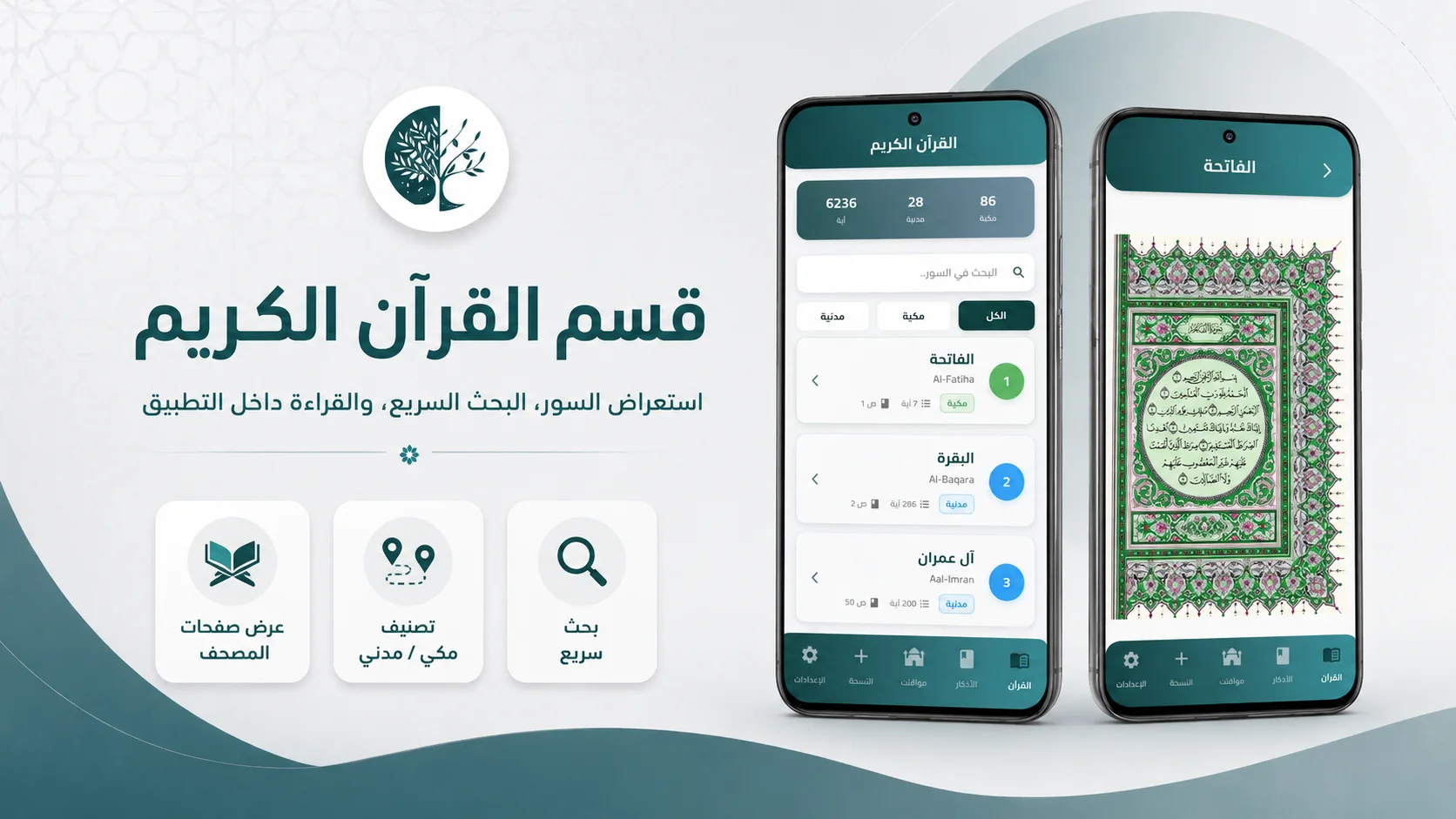
A mobile app experience for Quran reading, daily adhkar, prayer-time workflows, tasbeeh, reminders, and calm Arabic UX.
تطبيق إسلامي شامل يجمع القرآن الكريم، الأذكار اليومية، مواقيت الصلاة، السبحة، والتنبيهات في تجربة عربية هادئة.
View case study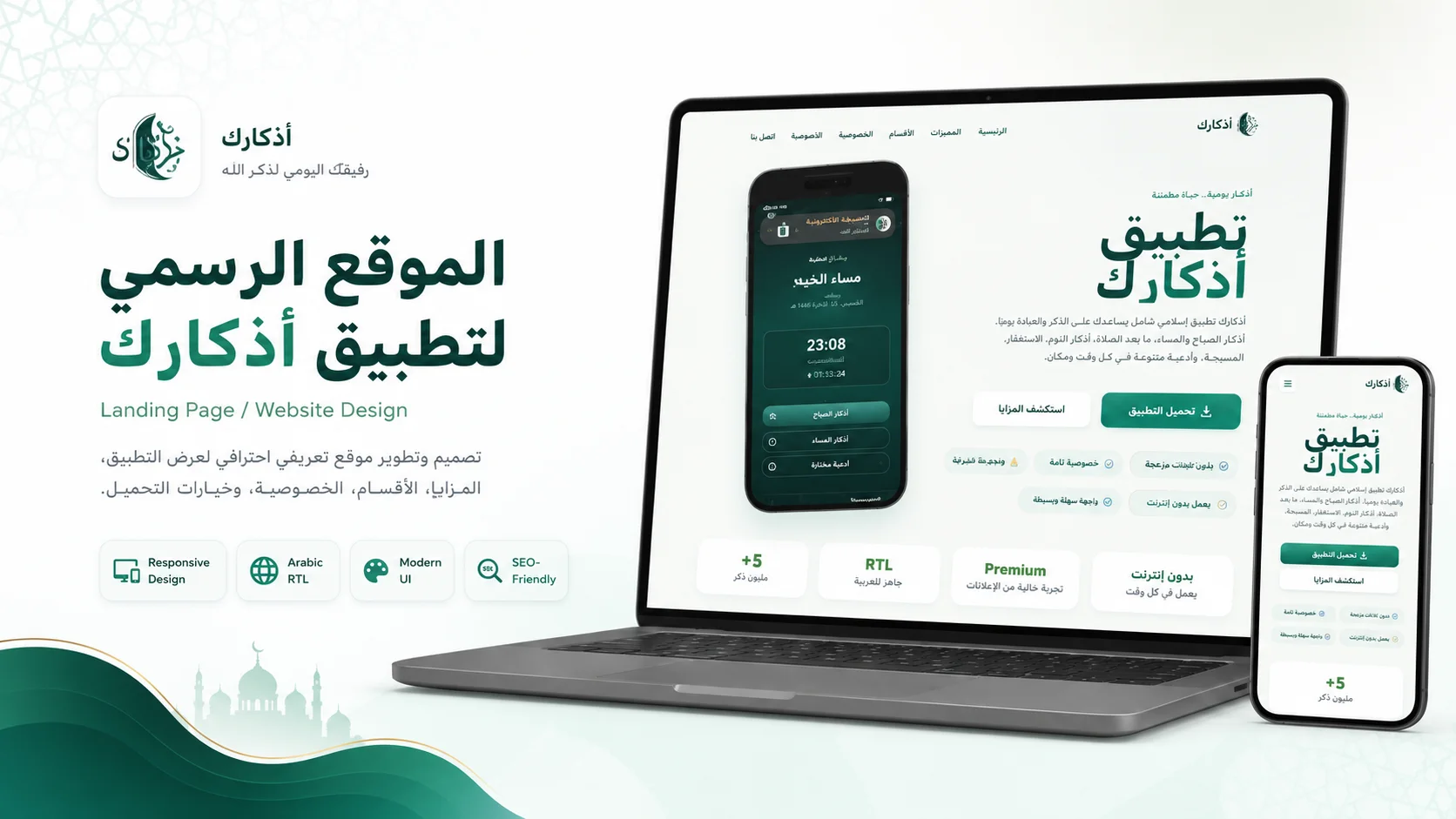
A fast Arabic public website for the Athkark app, built around app discovery, Google Play download, SEO metadata, legal pages, support, and ad verification files.
موقع عربي سريع لتطبيق أذكارك، يقدم صفحة هبوط للتطبيق مع صفحات الدعم والخصوصية والشروط، وملفات SEO والتحقق والإعلانات اللازمة للنشر.
View case study